
Sitting together: use local Multiplayer
Open the game setup, choose Multiplayer and select local play. Add the names of the two to four people sharing the device. Check the displayed player count against the names before starting; an unused slot can make the next turn look as though it belongs to somebody who is not there.
Everyone reads one board. Pass control to the named active player and leave the earlier rows visible. Decide whether players may suggest answers to each other: friendly discussion and independent competition are both workable, but switching between them halfway through a match causes avoidable arguments.
Playing apart: join the same online match
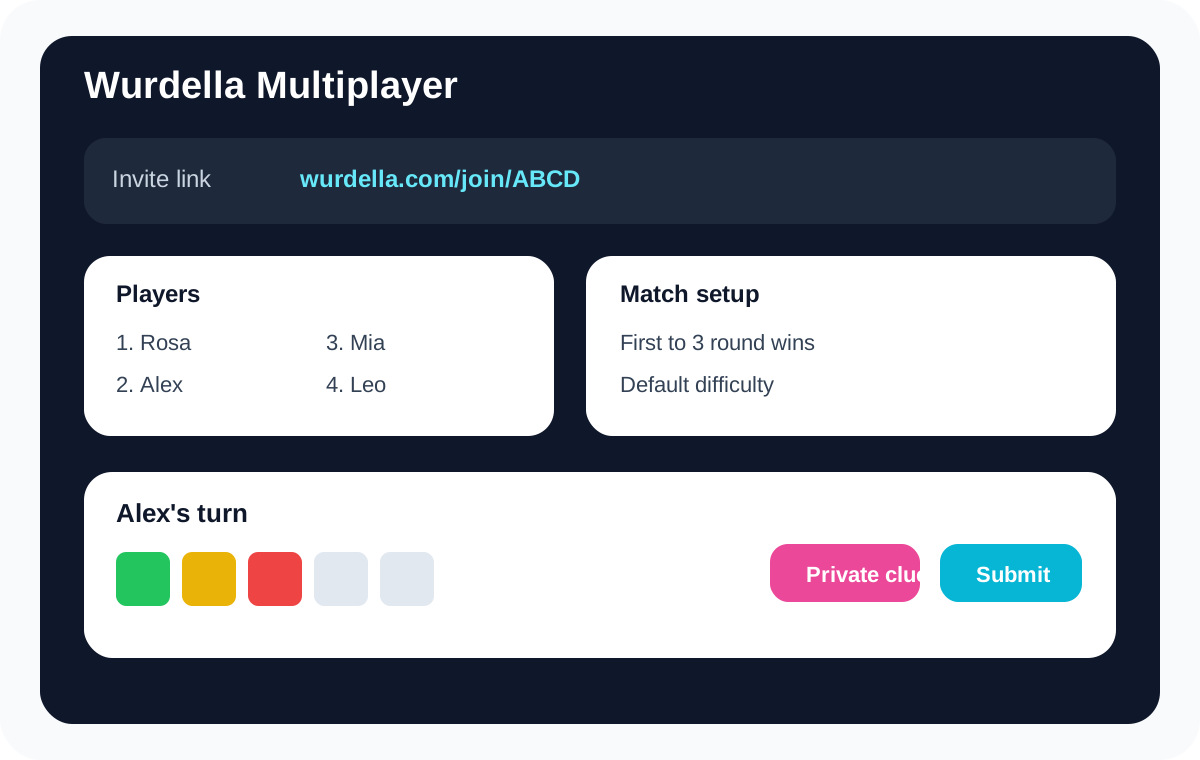
Use Challenge a Friend for separate-device play. The host signs in, creates the match and shares its invitation. Follow the join screen’s account and capacity requirements. Opening the homepage independently starts a different game; it does not connect a friend to your room.
Before the first guess, check that both browsers show the intended match and the expected players. Share the complete invitation link, not just a screenshot of the board. If someone opens the wrong invitation, return to the host’s current link rather than creating several replacement rooms at once.
Set the target before anybody takes the lead
The target is a number of round wins, not a promise about how many minutes the match will take. First to one can end on the first board. First to three allows more rounds, while first to five needs a larger time buffer if several words use all six guesses.
Choose the same difficulty and agree on outside help before starting. If you have a hard finishing time, use a short target and decide beforehand what happens to an unfinished match. Changing the target because somebody is losing makes the result difficult to compare or explain.
Read the active-player name before submitting
The shared board contains evidence from earlier guesses, but the interface still determines whose action is due. Read the name shown for the next turn before typing. A useful observation from another player is not permission to submit on their behalf during an individual competition.
Local rounds rotate the starting player across the match. If the order appears unexpected, first check whether a new round has begun and which name is active. Online players should check their room status before retrying a submission; repeated clicks are not a reliable way to resolve a connection delay.
Handle clues honestly on a shared screen
A clue is available only during the permitted early rows, and using it reduces the points available for that round. Read the confirmation before unlocking it. In local multiplayer, the clue can be shown or hidden, but hiding text after everyone has read it does not make the information private again.
If only the active player should see a clue, have the other players look away before revealing it. That is a house arrangement around a shared device, not a secrecy guarantee. Agree on the same arrangement for every player and keep any outside dictionaries under the same rule.
Finish the match without confusing it with public rankings
Use the match’s round-win display to decide when the selected target has been reached. Points and round wins are different numbers, so say which one your friendly event is recording. A player can understand the final result more easily when the agreed target stays visible throughout the session.
A local guest contest does not establish a verified annual leaderboard result. Keep a separate event sheet if you are running a house tournament, and use the public scoreboard’s own eligibility information for official rankings. For group discussion around one submitted word, the team format is a better fit.