Prepare both teams before starting
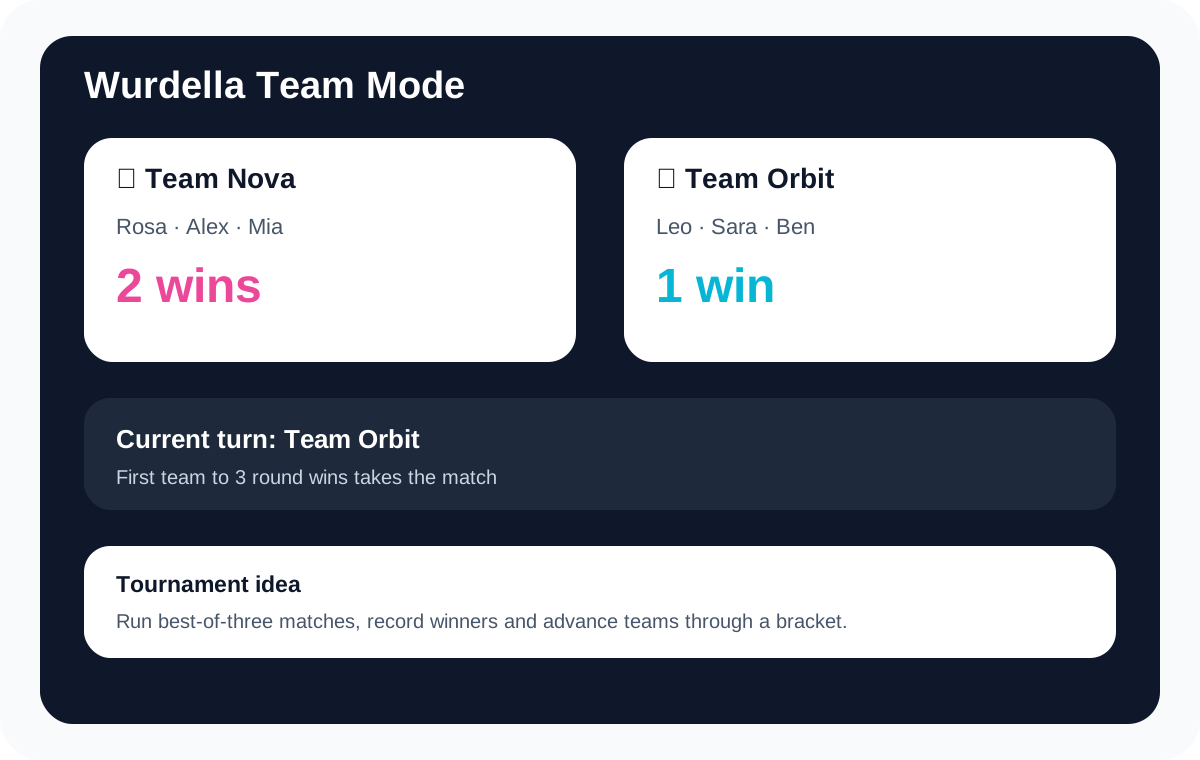
Open Teams in the game setup. Give each side a recognizable name, choose its emoji and enter member names. The setup requires names for both teams and at least one member on each side, so complete those fields before pressing Start.
Choose the difficulty and round-win target while everyone can see them. Keep one person responsible for the host device at a time. If two people try to enter competing suggestions, even a well-reasoned discussion can end with a word that neither team intended to submit.
Give a turn three separate jobs
First ask the active team to name one fact from the board: a fixed square, a required letter or a position already ruled out. Next collect possible words. Finally ask the spokesperson to explain which word the team wants entered and why it fits the available evidence.
The host repeats that choice before submitting. This short read-back catches spelling mistakes and last-second changes. A suggested thirty-second discussion window can keep turns moving, but use a visible house timer if you want a limit; the discussion procedure is yours to run.
Rotate responsibility without losing the thread
Swap the spokesperson or typist after a round so the same confident solver does not become the permanent owner of the game. Other members can check fixed letters, track rejected positions or compare the proposed word against earlier rows. These jobs are ways to participate, not labels of ability.
For uneven numbers, divide the most experienced players across the two groups and allow the smaller side enough thinking time. Adding more voices does not necessarily make a team stronger. If one person keeps interrupting, pause the discussion and let the checker finish one observation before asking for another answer.
Keep the opposing team’s turn visible
Both sides can inspect the board, but agree on whether the inactive team may speak. A quiet-opponents rule makes the active team’s reasoning easier to hear; an open-discussion version creates a different, more collaborative game. Neither needs to be presented as the only correct format.
Keep the active-team name in view when the host enters a guess. After a round, check the recorded wins before moving on. If a house scoring sheet disagrees with the game, resolve the difference immediately while everyone remembers the board instead of rebuilding several rounds from memory later.
Decide how to reveal a clue
Using a clue changes the round’s points and is available only during the early rows. Ask the active team to agree before the host unlocks it. Revealing a clue on a projector reveals it to the room; a Show or Hide control cannot prevent people from remembering text they have already seen.
For private team discussion, turn the display away or arrange for the opposing group to look away before showing the clue. Keep the arrangement practical and identical for both sides. If the room cannot support private viewing, choose a shared-clue rule before the first board.
Know the limits of a remote team session
Team mode runs locally on the host device. A remote group can watch that board through a meeting screen share and tell the host which word to enter. That does not turn the session into a native room where every team member has synchronized controls.
Use Challenge a Friend when individual players need a separate-device match. Use the classroom page when the real task is fitting a puzzle into a lesson, and a tournament plan when several pairs of teams need a schedule. This page handles the operation of one two-team game.